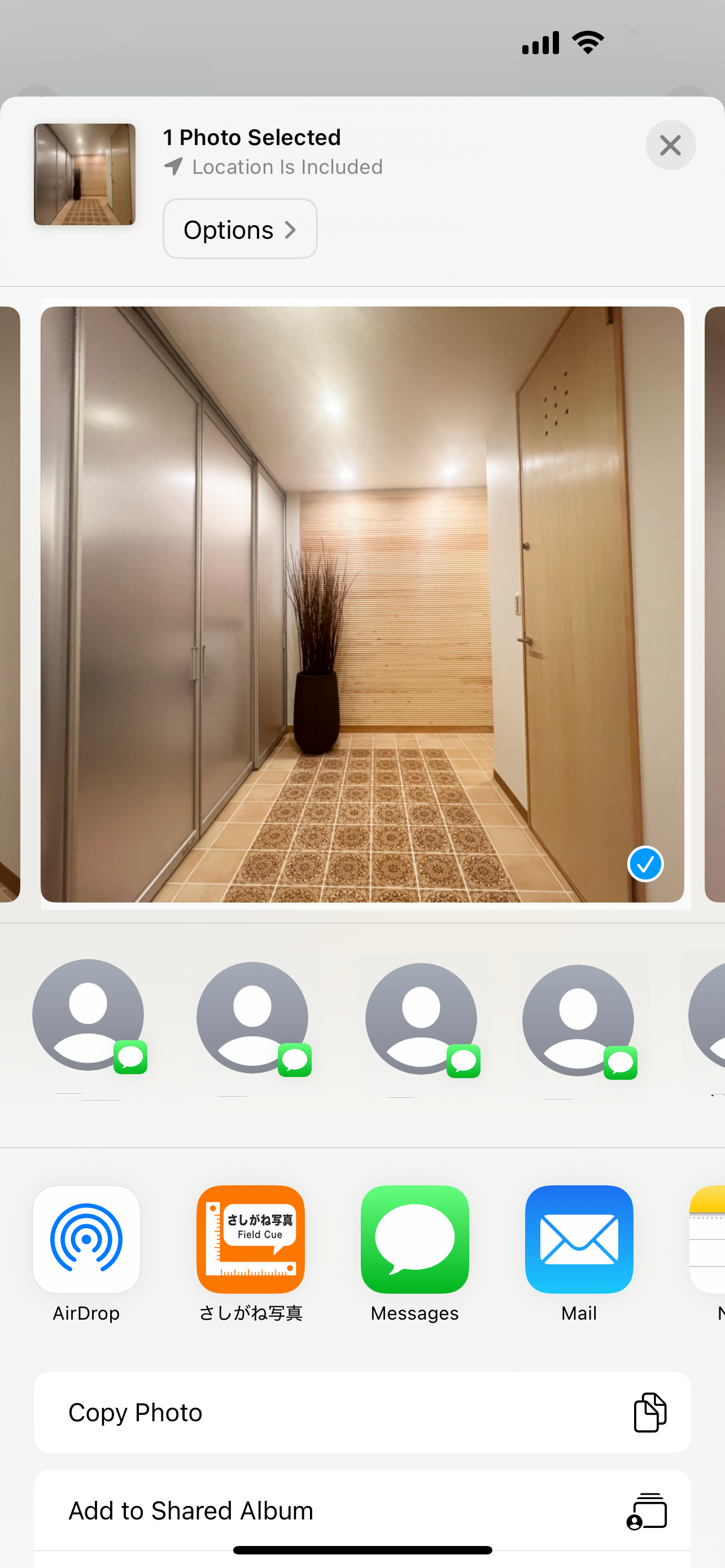
01PLACE
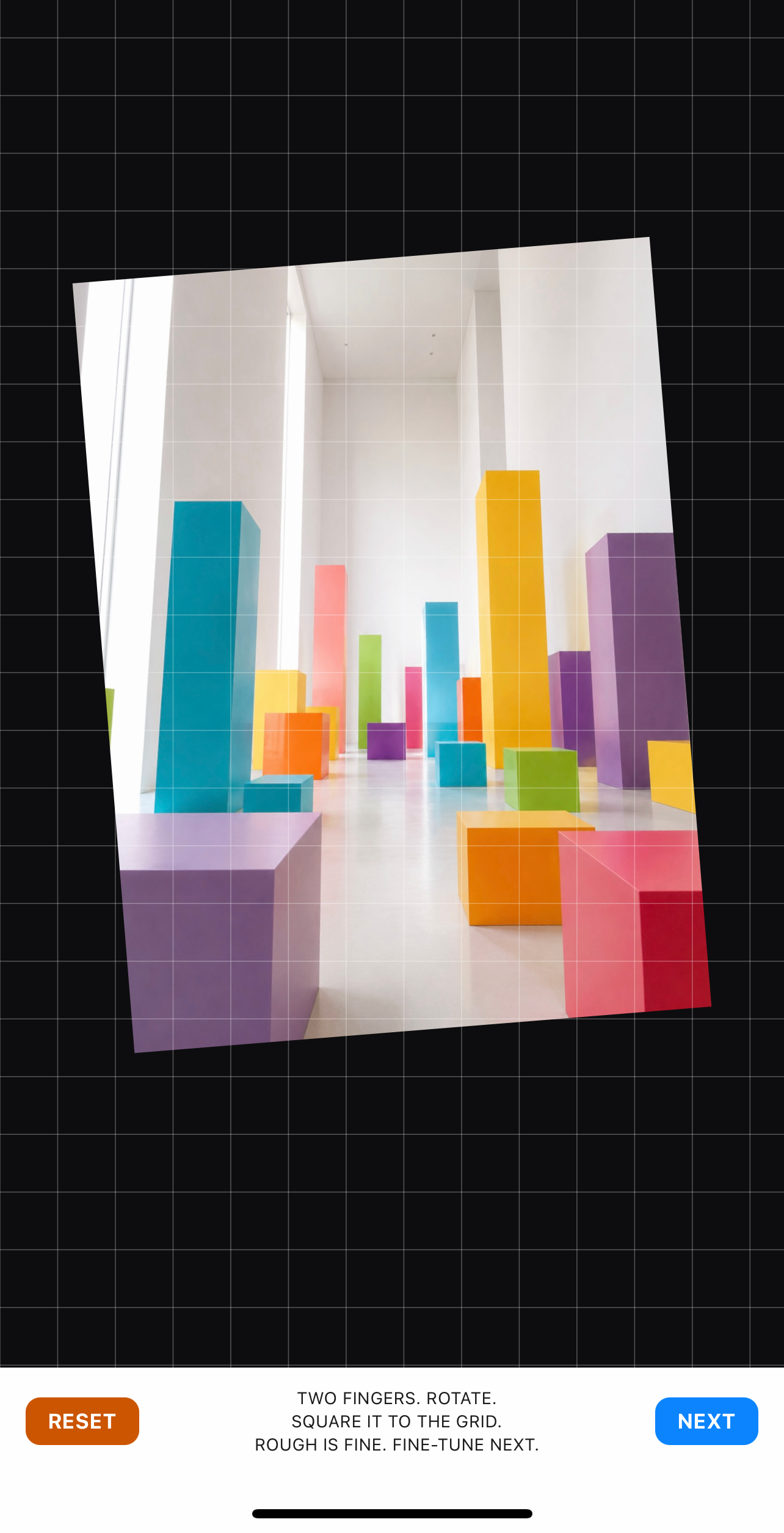
- 1Two fingers. Rotate.
- 2Use the grid to center it.

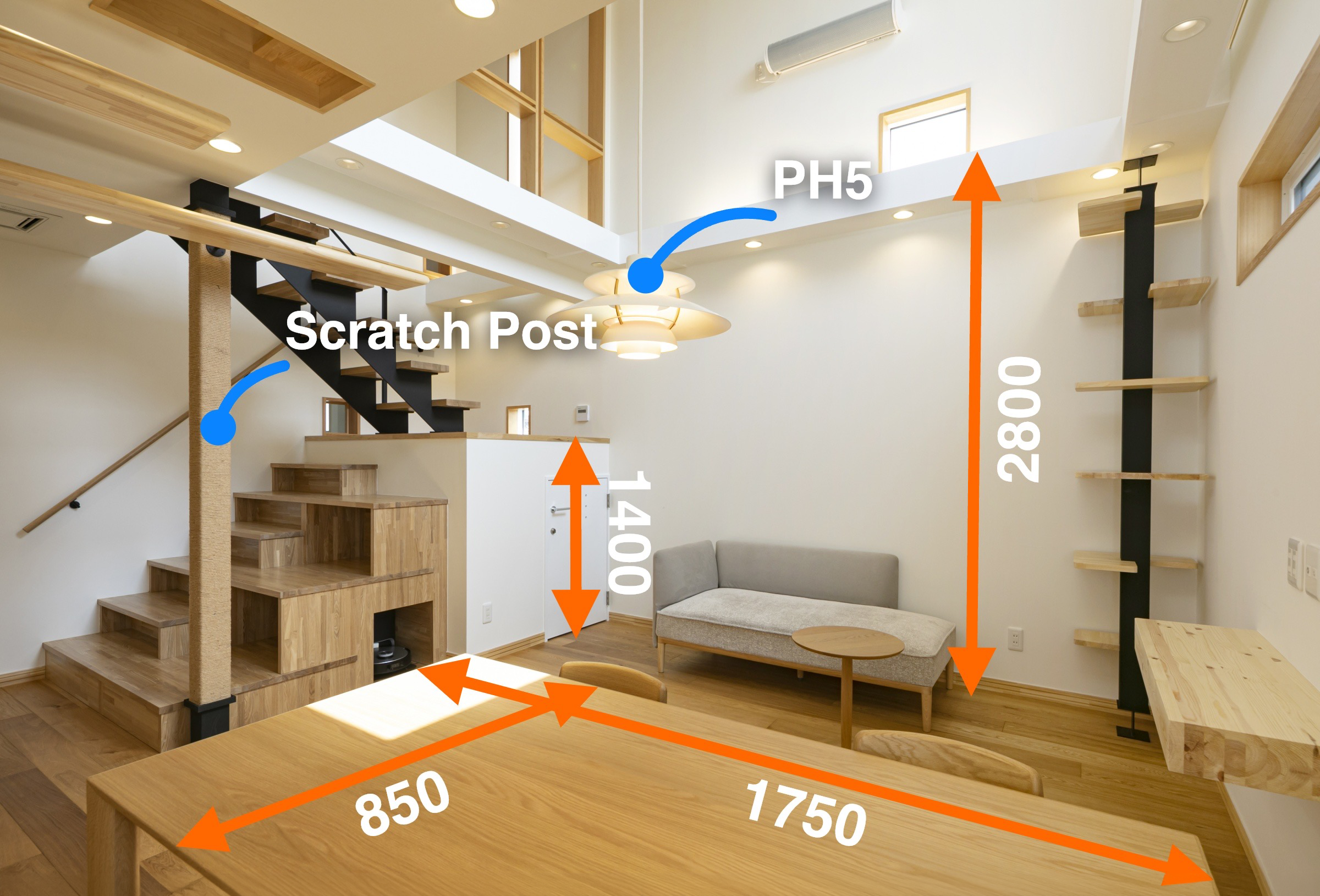
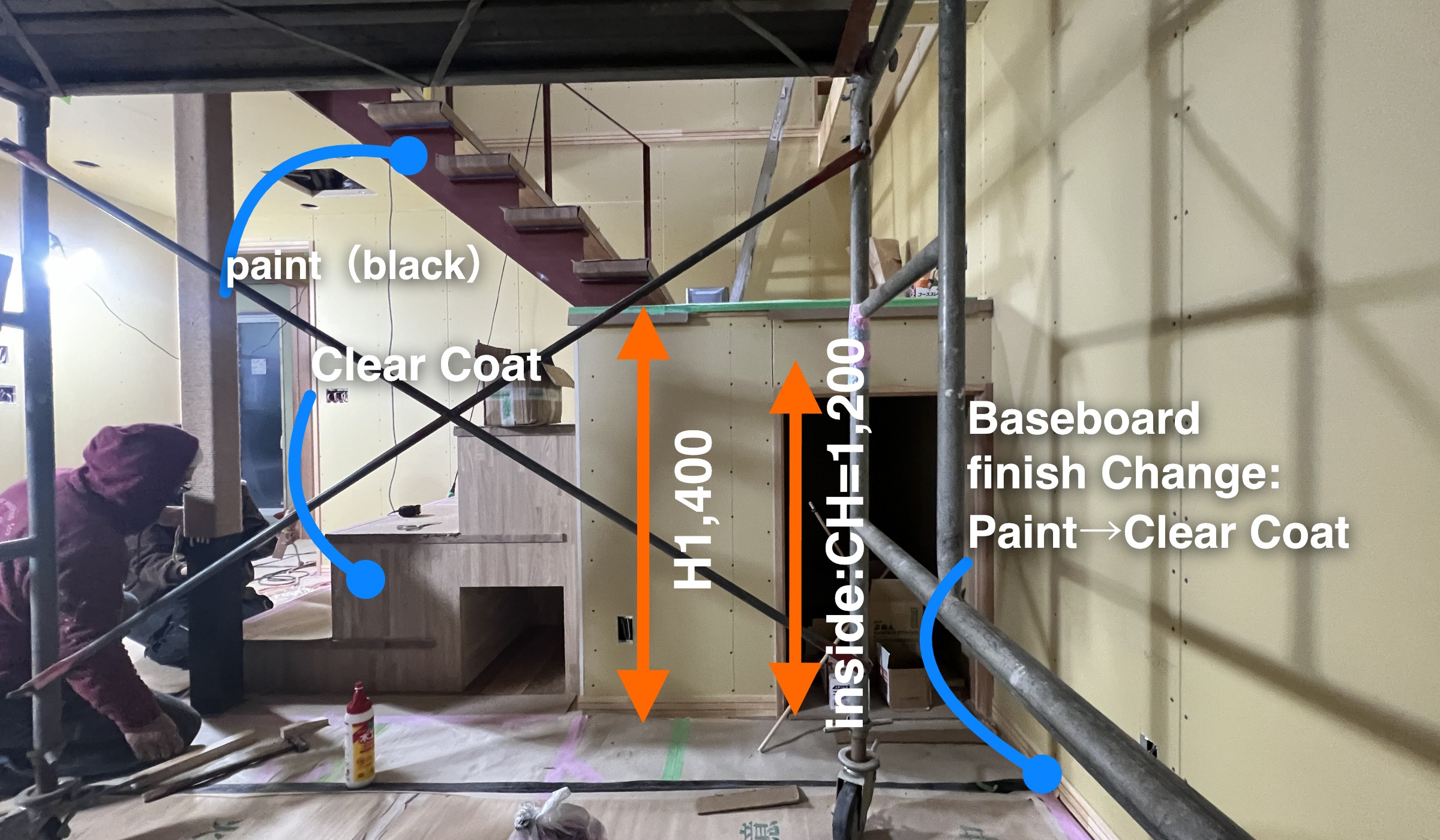
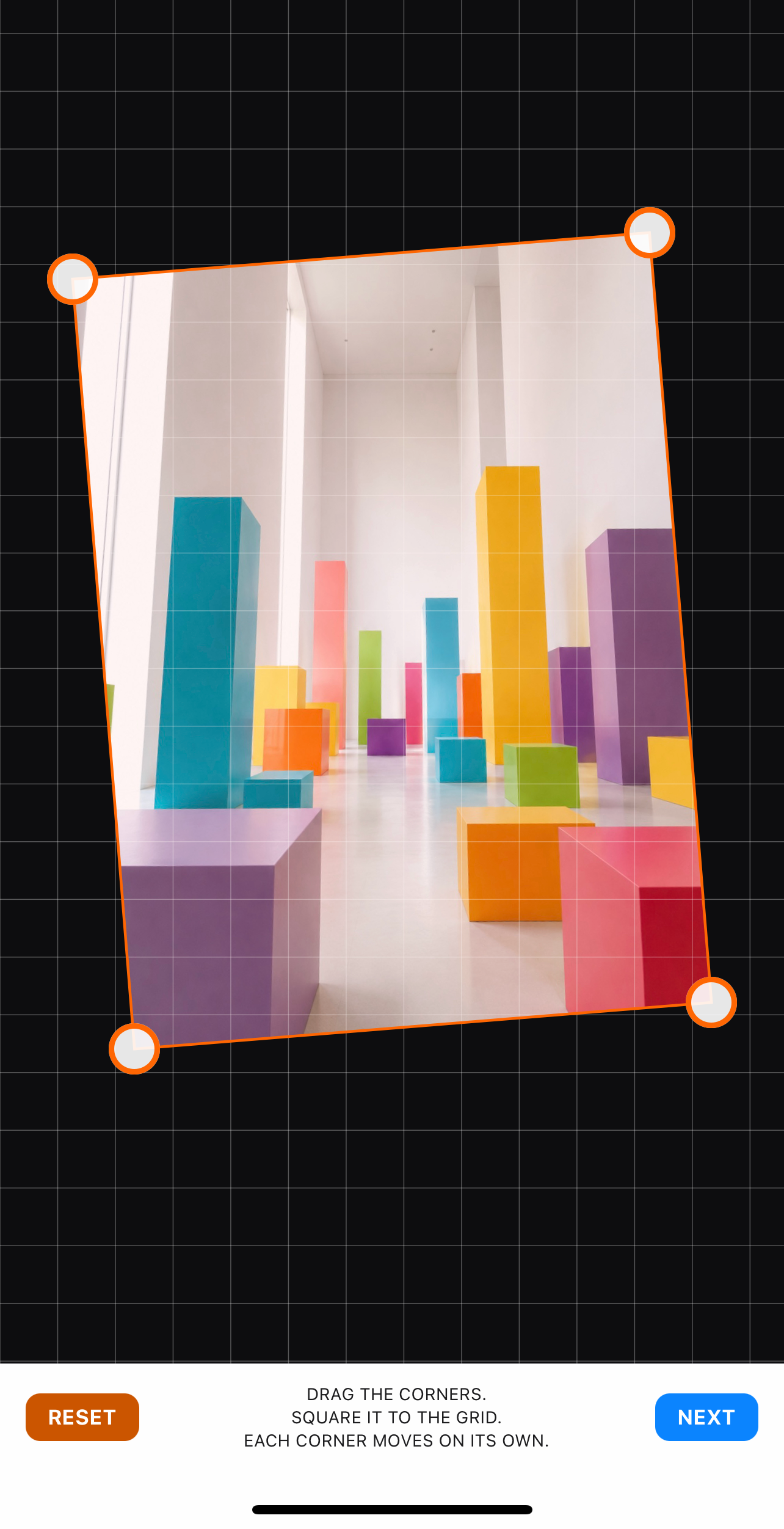
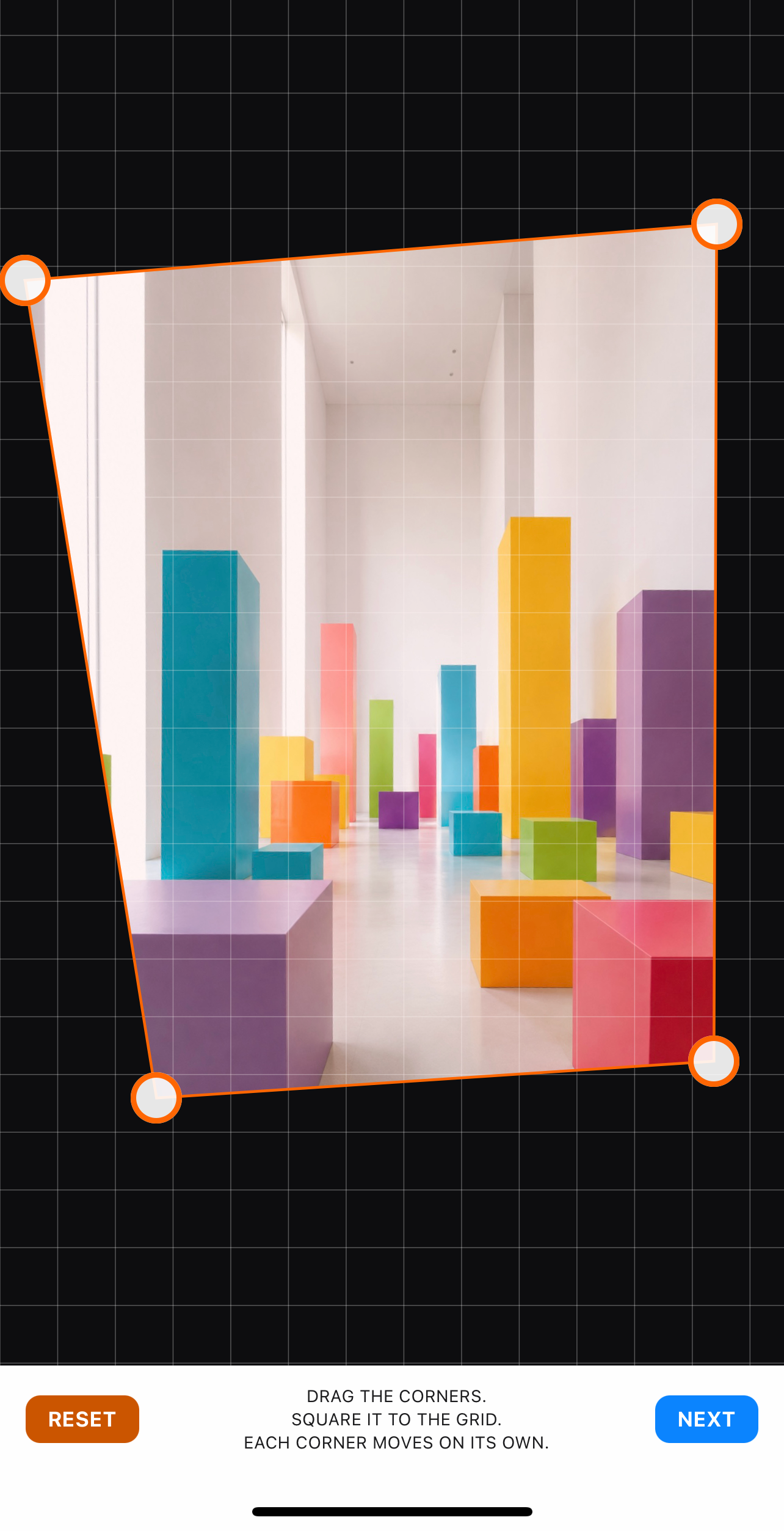
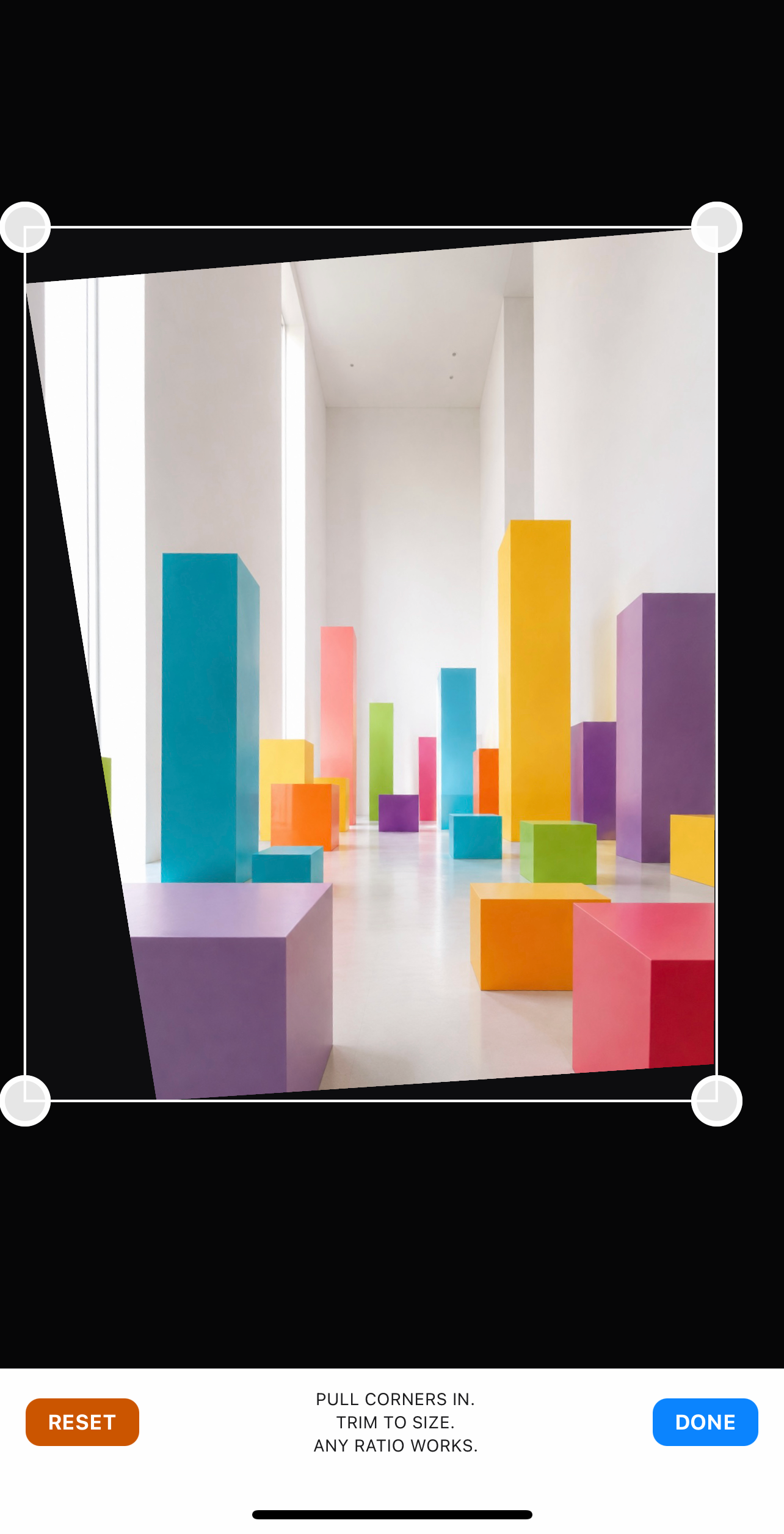
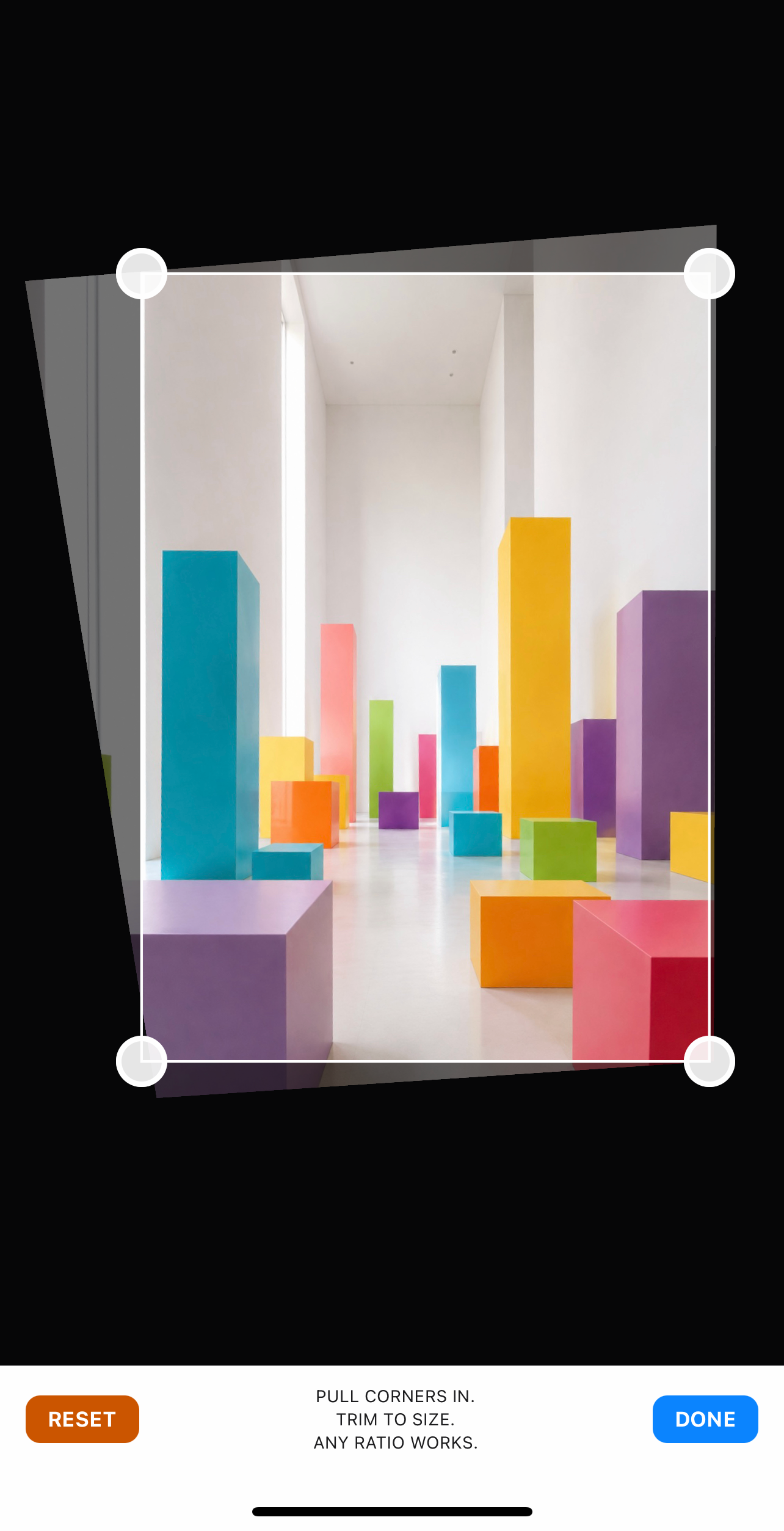
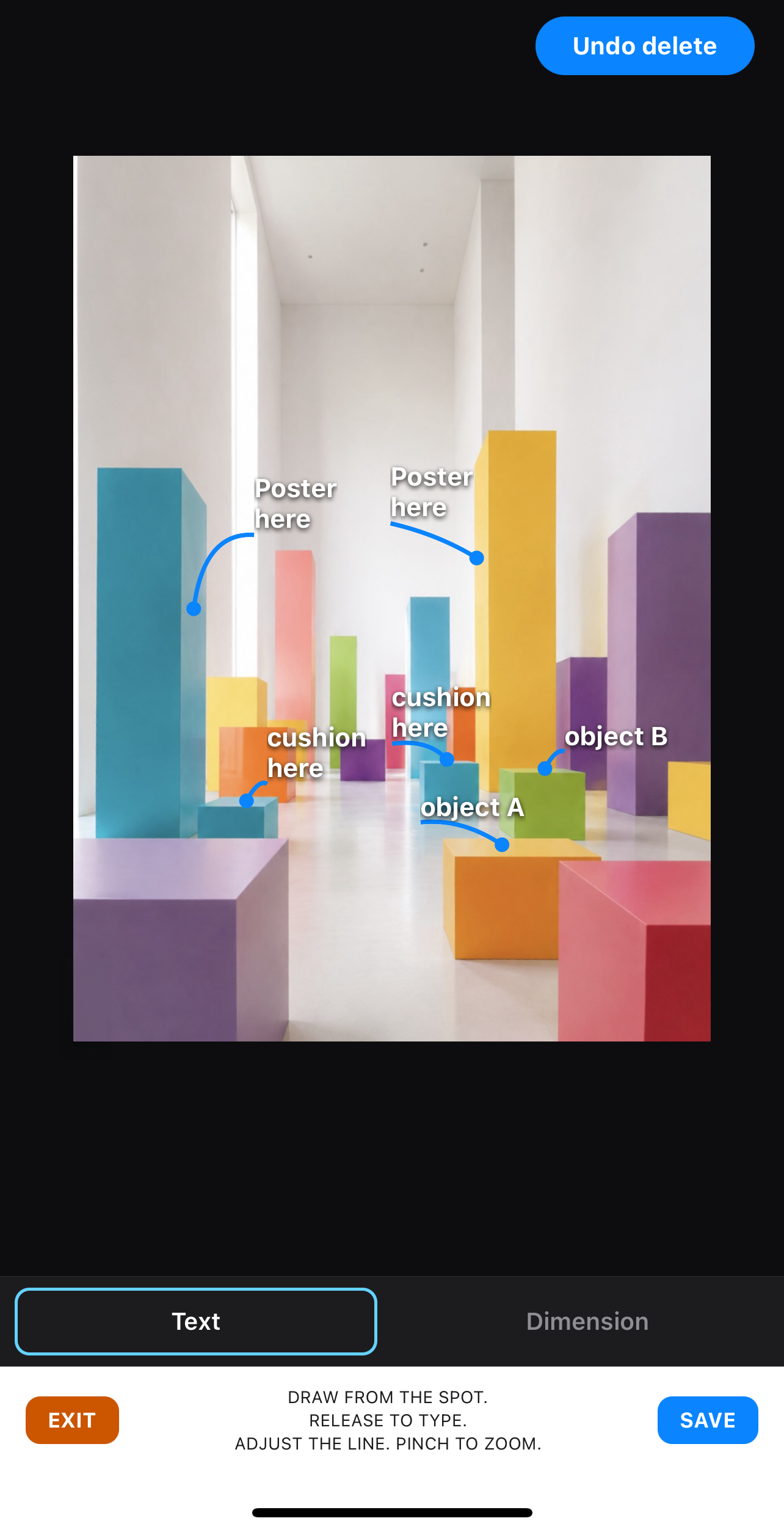
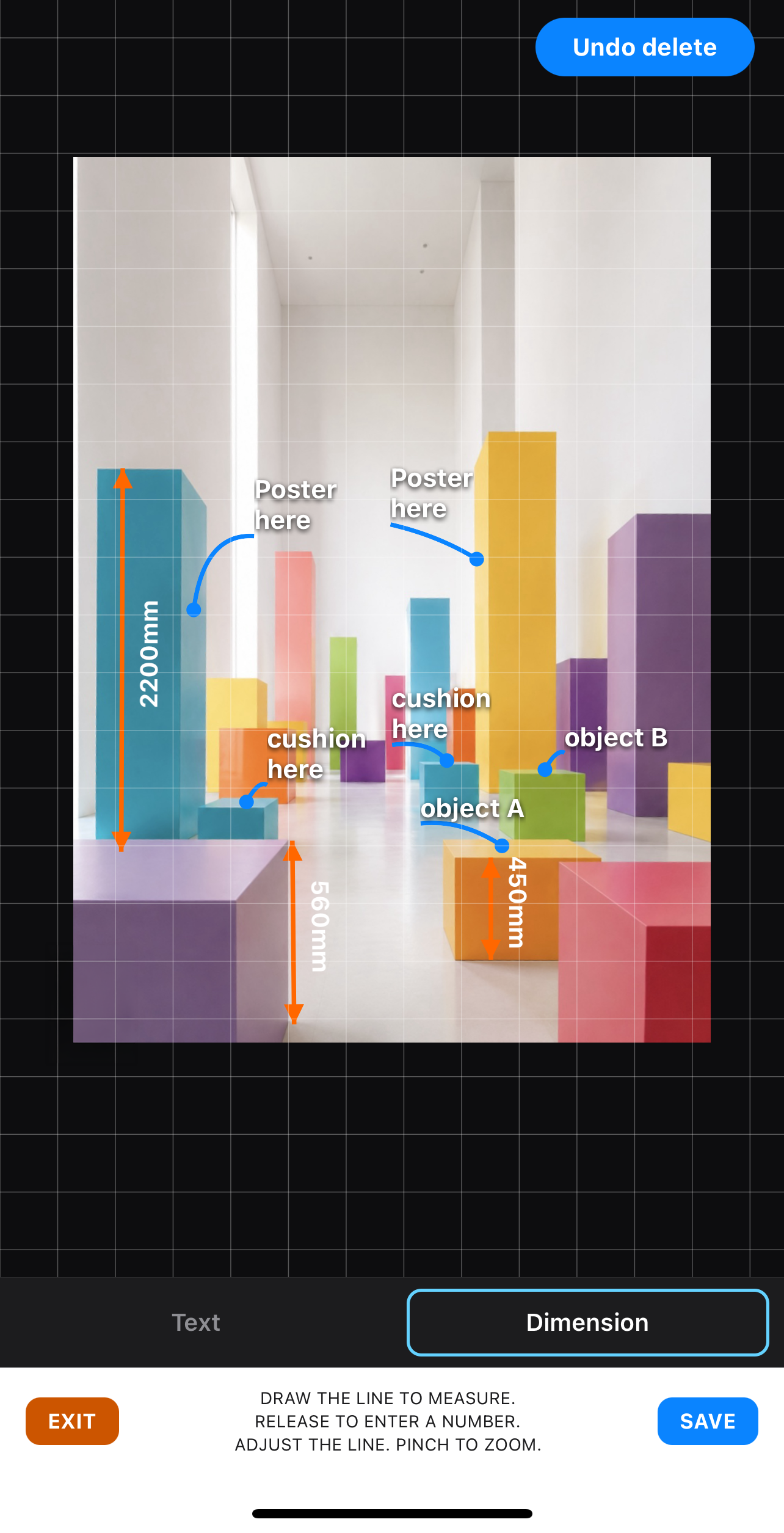
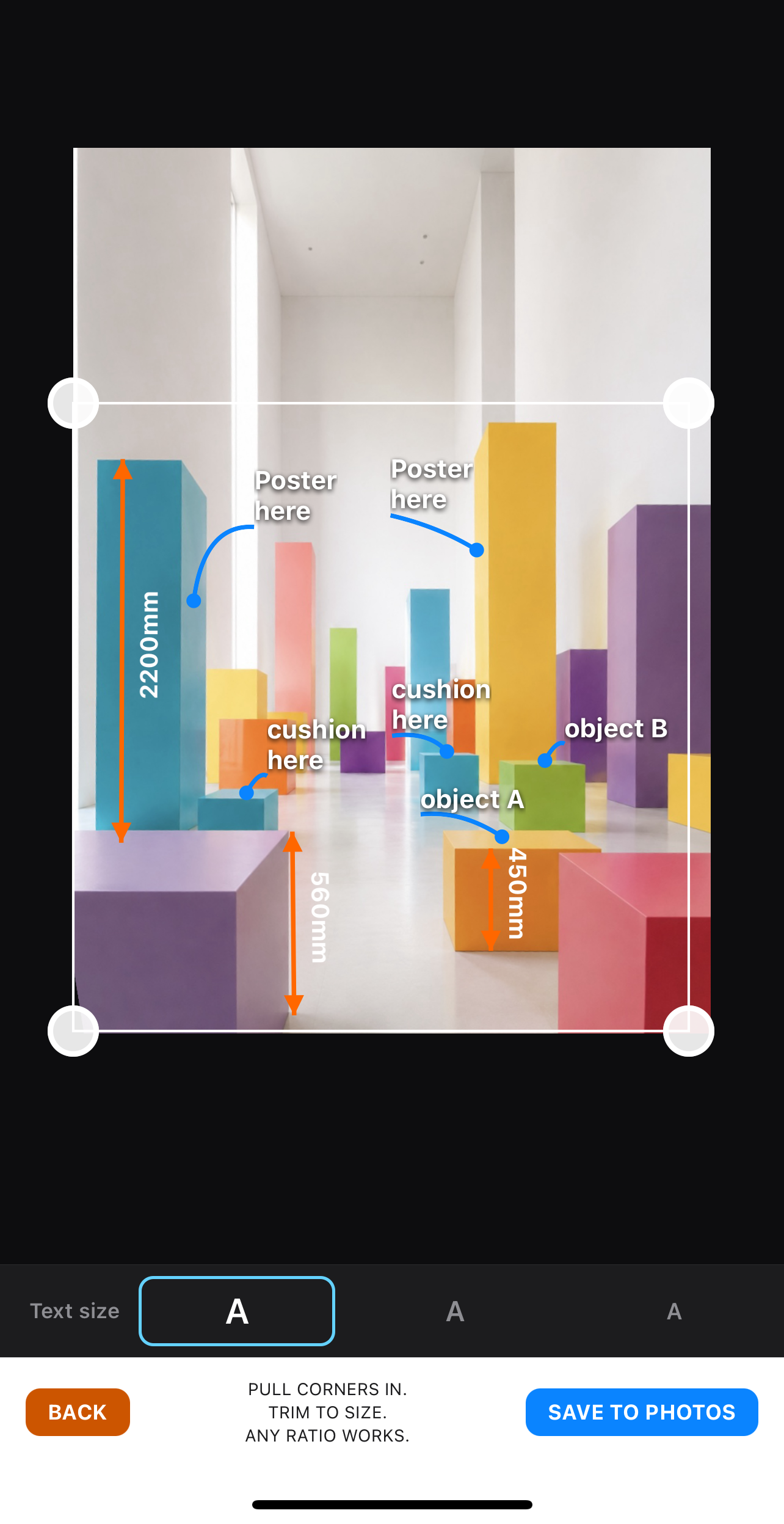
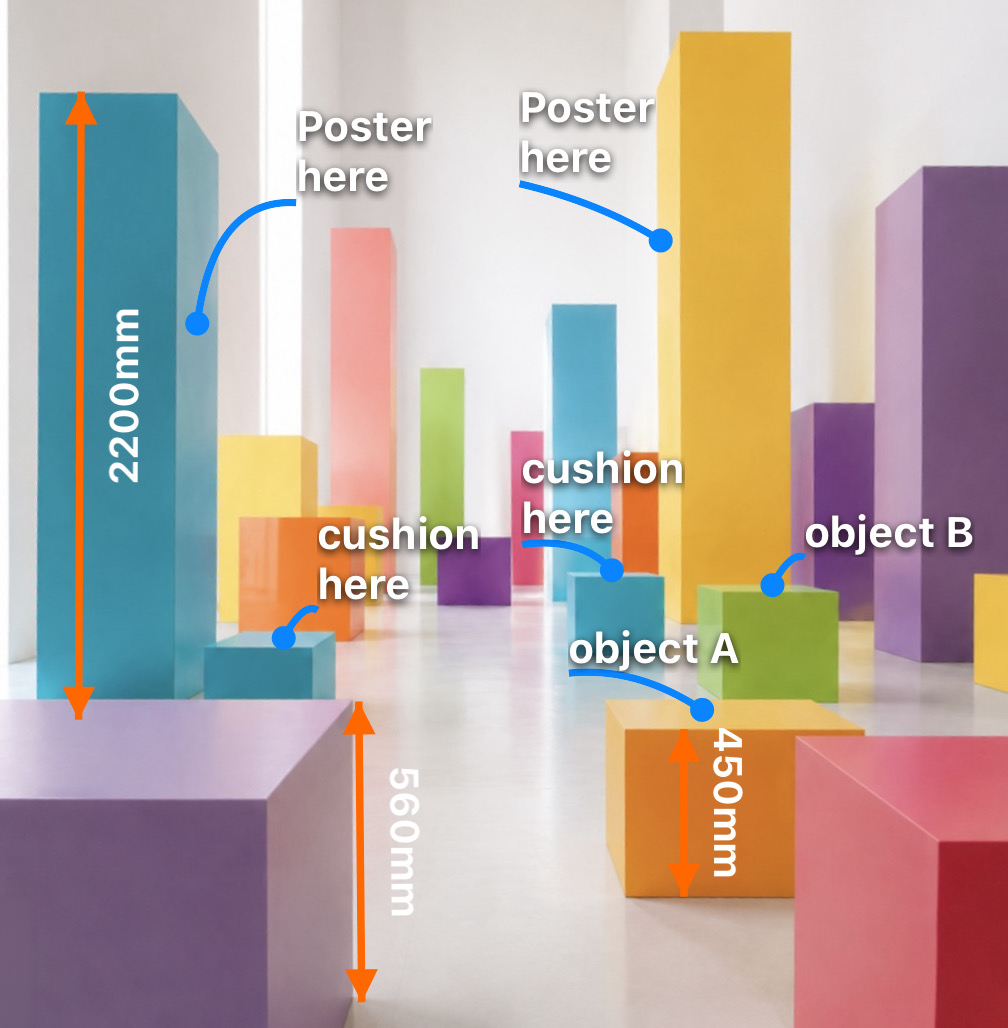
A single-purpose app for finishing field-instruction photos on the spot. FieldCue performs the correction the stock Photos app can't — with corner-pin correction, moving each of the four corners independently. It straightens skewed edges, then lets you add lead lines, text and dimensions to the photo in the fewest taps. Save to your camera roll, and email or text it exactly like you always have. Built for speed on any job — construction sites, displays, furniture layout, wherever the work happens.
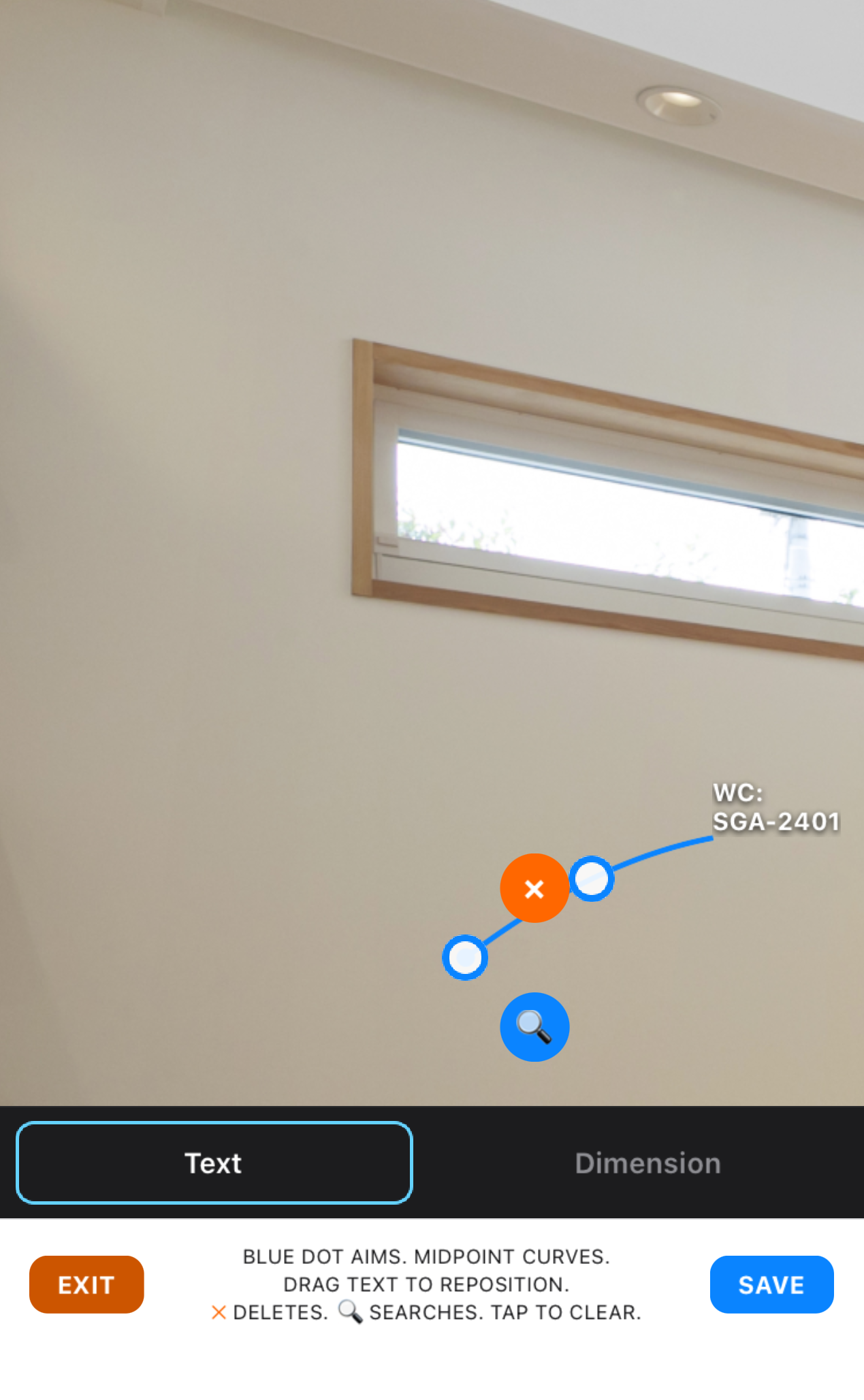
Note a part or model number, then tap 🔍 to search it right there in the in-app browser — no retyping it into a search bar.
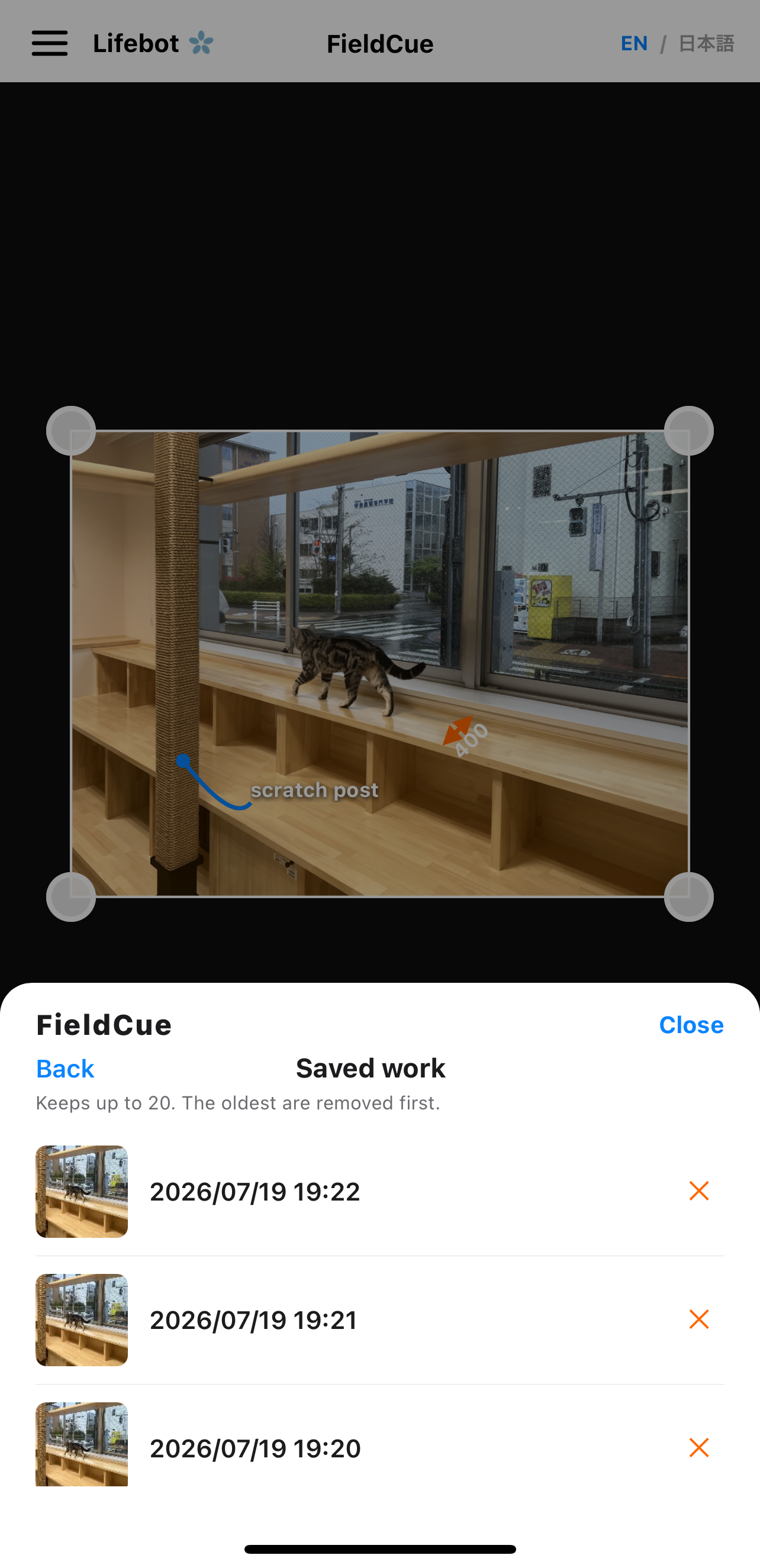
Tap "Save" to store your work on your device. Come back anytime to continue editing or make changes. Delete what you don't need with ❌ — files are listed with thumbnails, newest first.
Open FieldCue directly from the Photos share sheet. Tap Share, choose FieldCue, and start marking up the photo you just took.