
RGB Light Puzzle
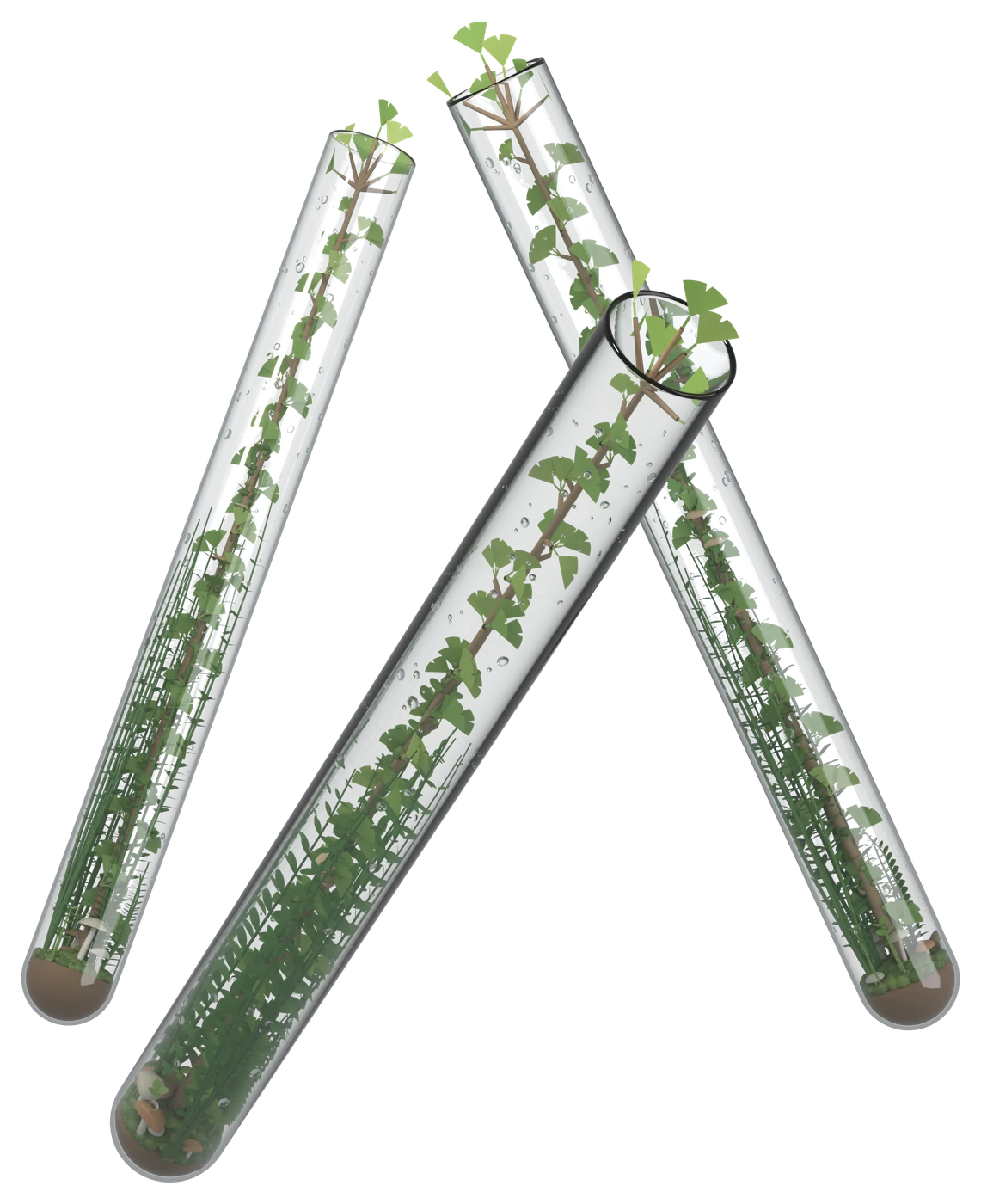
Grow a tiny forest
inside test tubes.
From somewhere, orbs of light drift down. Red, green and blue — the three primary colors of light.
Paint gets muddy the more you mix it, but light only grows brighter. When all three colors gather in equal measure, they turn white.
That white light becomes a mist and grows the small trees inside the test tubes — until the test tubes become one forest.
The music is born from the order you place the orbs of light. The same tune never plays twice. And any orbs left over roll into the bead counter, counting your score.
The colors in this game are light, not paint. Red and green make yellow, green and blue make cyan, and blue and red make magenta.
Only when red, green and blue gather in equal numbers does the light turn white. That white light becomes a mist, and the tree inside the tube grows.
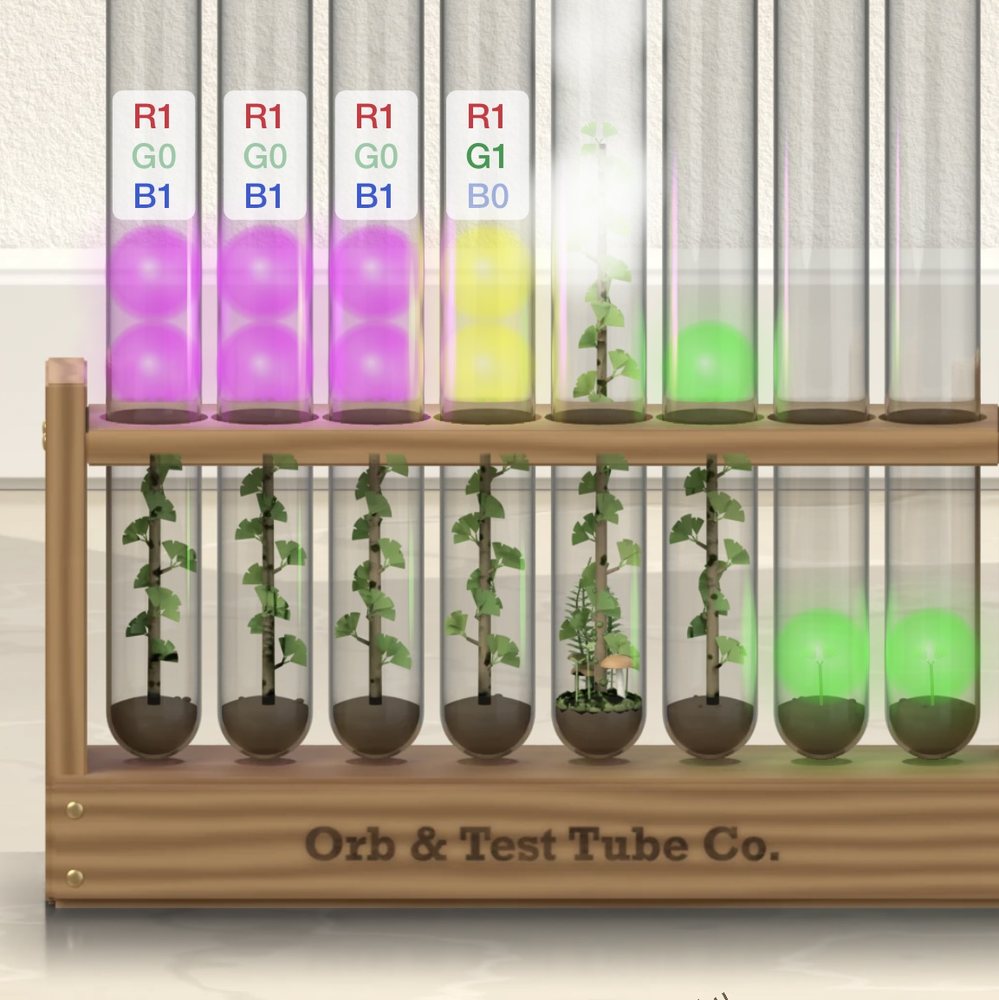
Matched light turns into white mist, and the tree in the tube grows
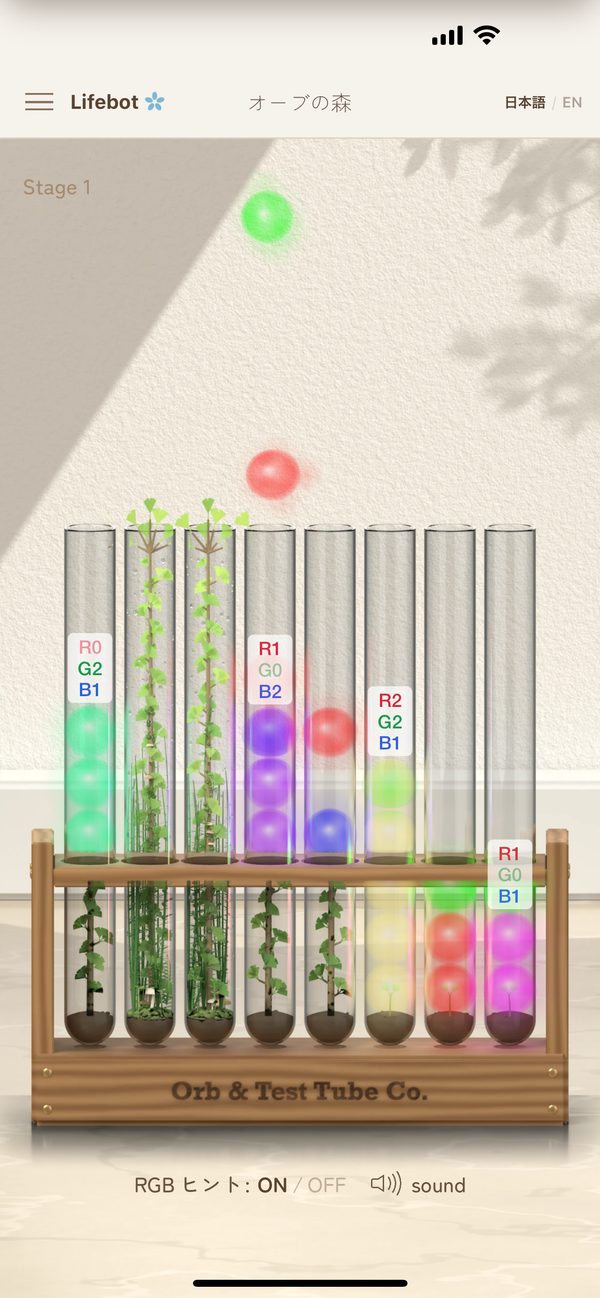
Orbs of light drift slowly down from above. Hold one with your finger, slide it left or right, and drop it into one of the eight test tubes. Flick down to make it fall faster. Once an orb is inside a tube, it can no longer move.
Put red, green and blue orbs into one tube, the same number of each. The matched light becomes white mist and the tree grows. Tubes with mixed colors show hint labels like “R1 G0 B1”.
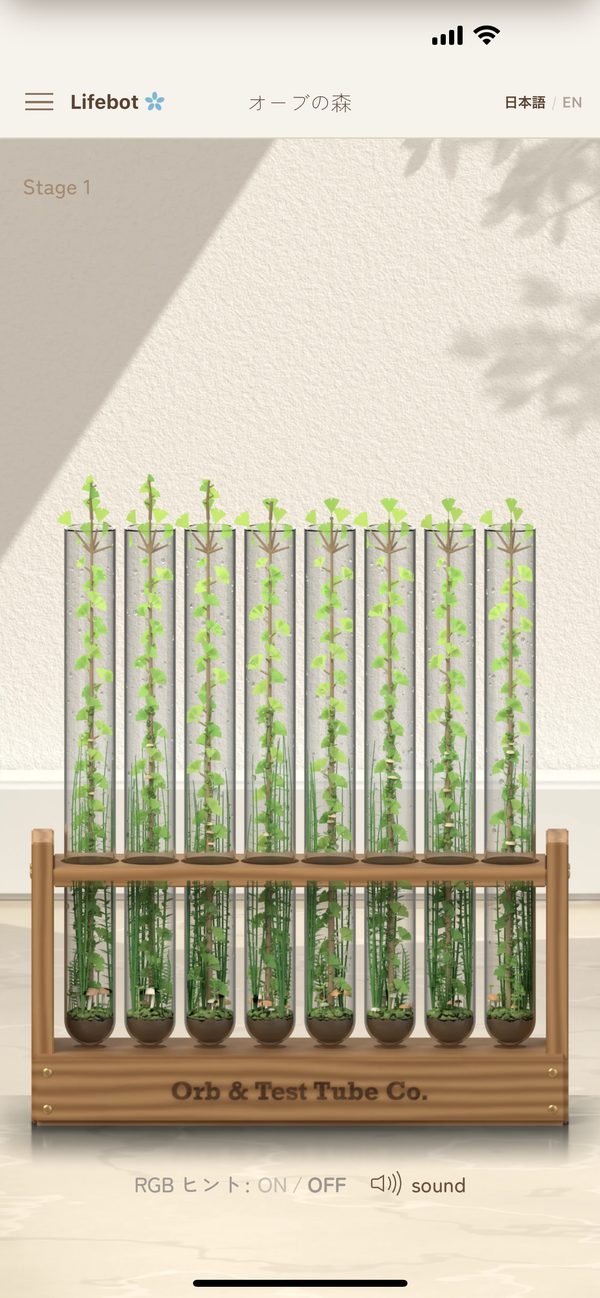
When the trees in all eight tubes reach the rim, the forest is complete. When no tube can take another orb, the game is over, and the orbs left over decide your score. One game takes about three minutes.
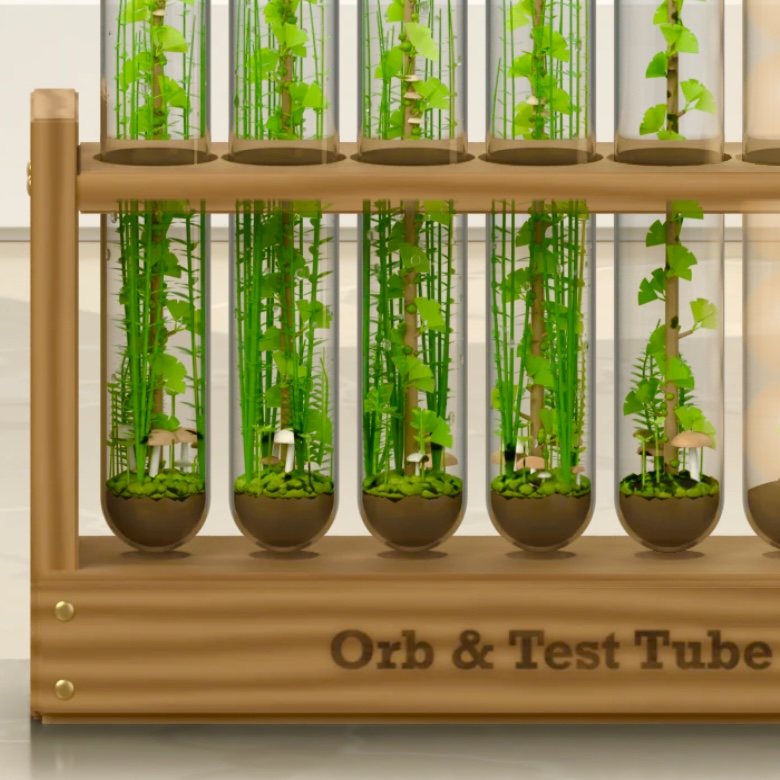
It begins with soil and a single sprout. Each time white light reaches it, the tree grows a little, and other small plants gather around its roots.
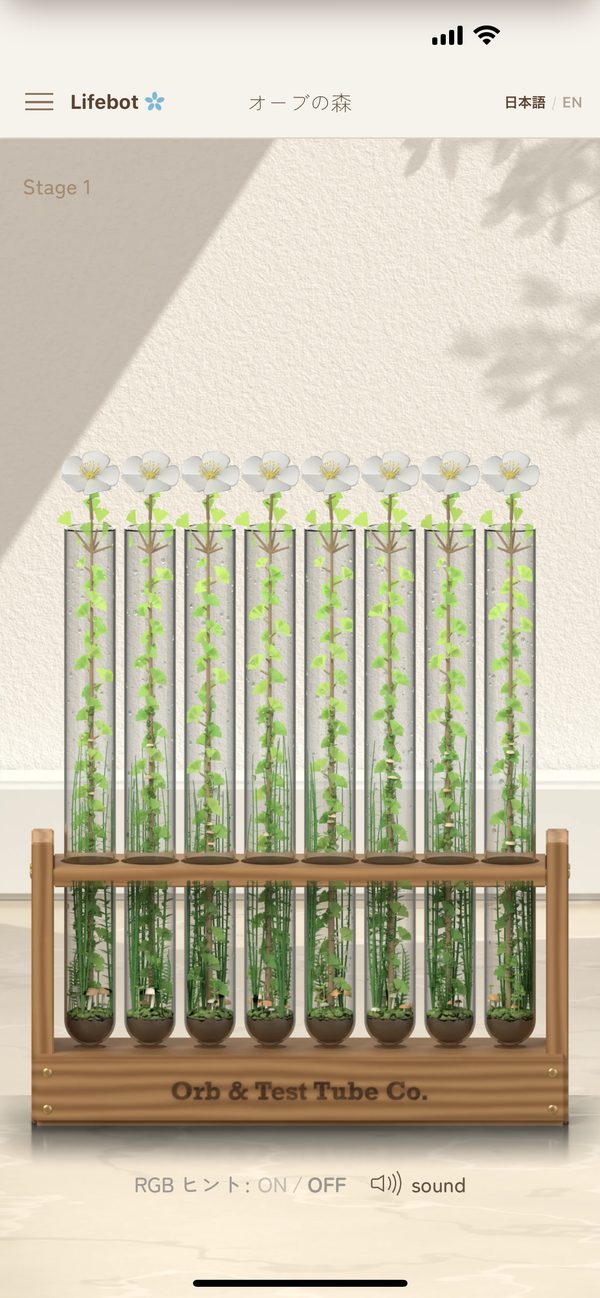
Only when you fill all eight tubes without leaving a single orb behind. From left to right, each tree grows one step taller, and a white flower opens at its tip, one by one.
Score 100 to unlock the next stage.
RGB Hint available
No RGB Hint in these stages
In Stages 1–5 you can use the RGB Hint: labels like “R2 G1 B1” appear above tubes with mixed colors. As the stages go on, some tubes start out holding orbs of a single color.
Stages 6–10 are just as difficult as 1–5, but without the RGB Hint. Instead of labels, you read the color in each tube and count for yourself.
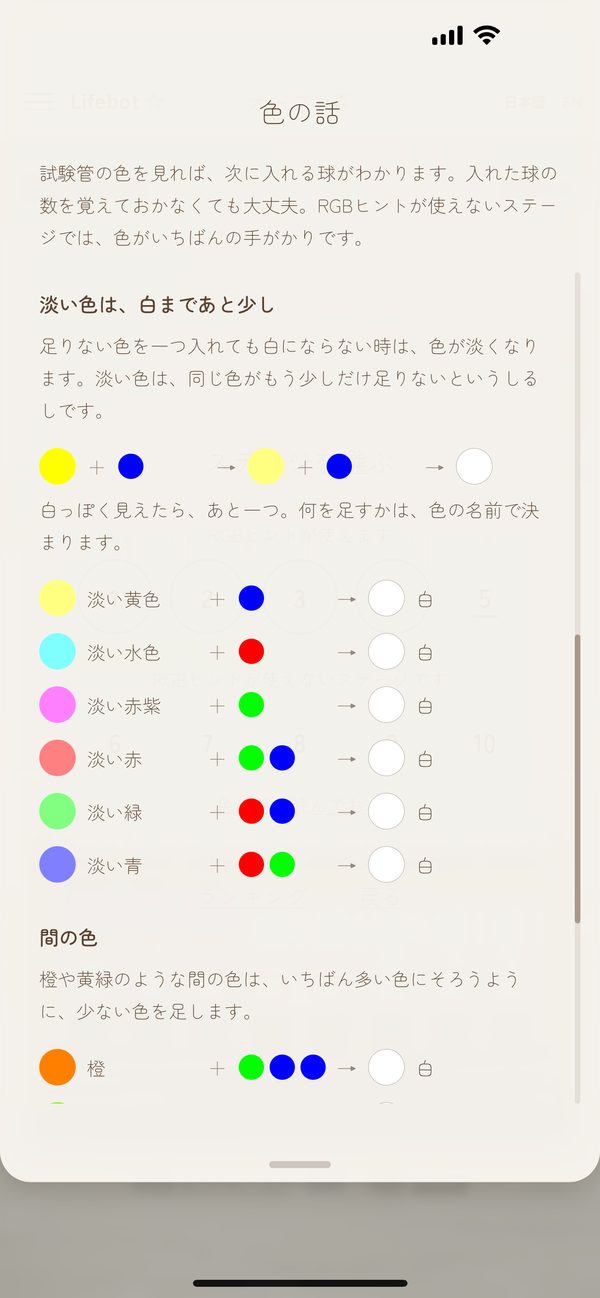
For the stages without hints, the app includes “About Colors”. The color in a tube tells you which orb to drop next. Yellow has red and green, but no blue — so add blue, and it turns white.
There is no fixed soundtrack. The sound of an orb appearing, entering a tube, melting in, a tree growing — all of it is born from the order in which you place the orbs.
The order of the colors changes the shape of the chord.
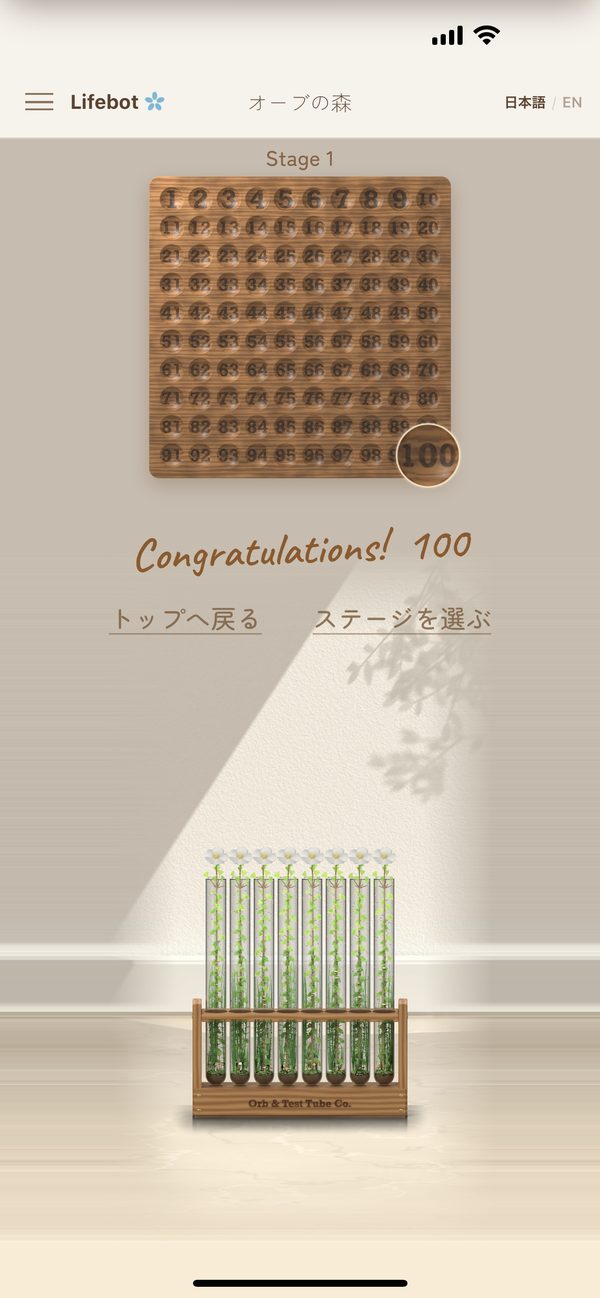
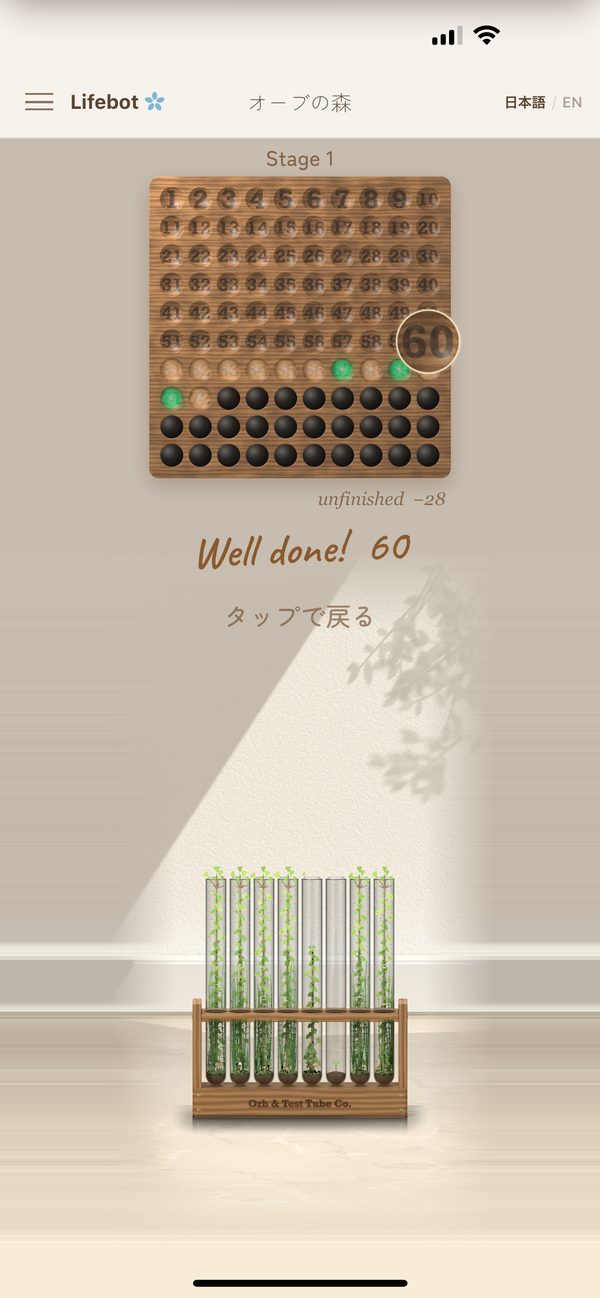
When the game ends, the test tube rack recedes into the distance, and an antique wooden bead counter comes down from above. The orbs left over roll one by one into its holes, numbered 1 to 100.
Tap “Restore Purchases” in the ☰ menu. You need to be signed in to the App Store with the same Apple ID you used to buy “Remove ads”.
Your stage progress, scores and settings stay only on this iPhone. Deleting the app also deletes your records and settings. Scores sent to Game Center remain in Game Center.
It helps us fix things faster if you tell us your iPhone model, iOS version, and which screen it happened on and what happened (a screenshot is welcome too).
 Coming soon to the App Store